Navigating Markular
Find your way between the modules and screens you use every day.
Steps
- Sign in to Markular.
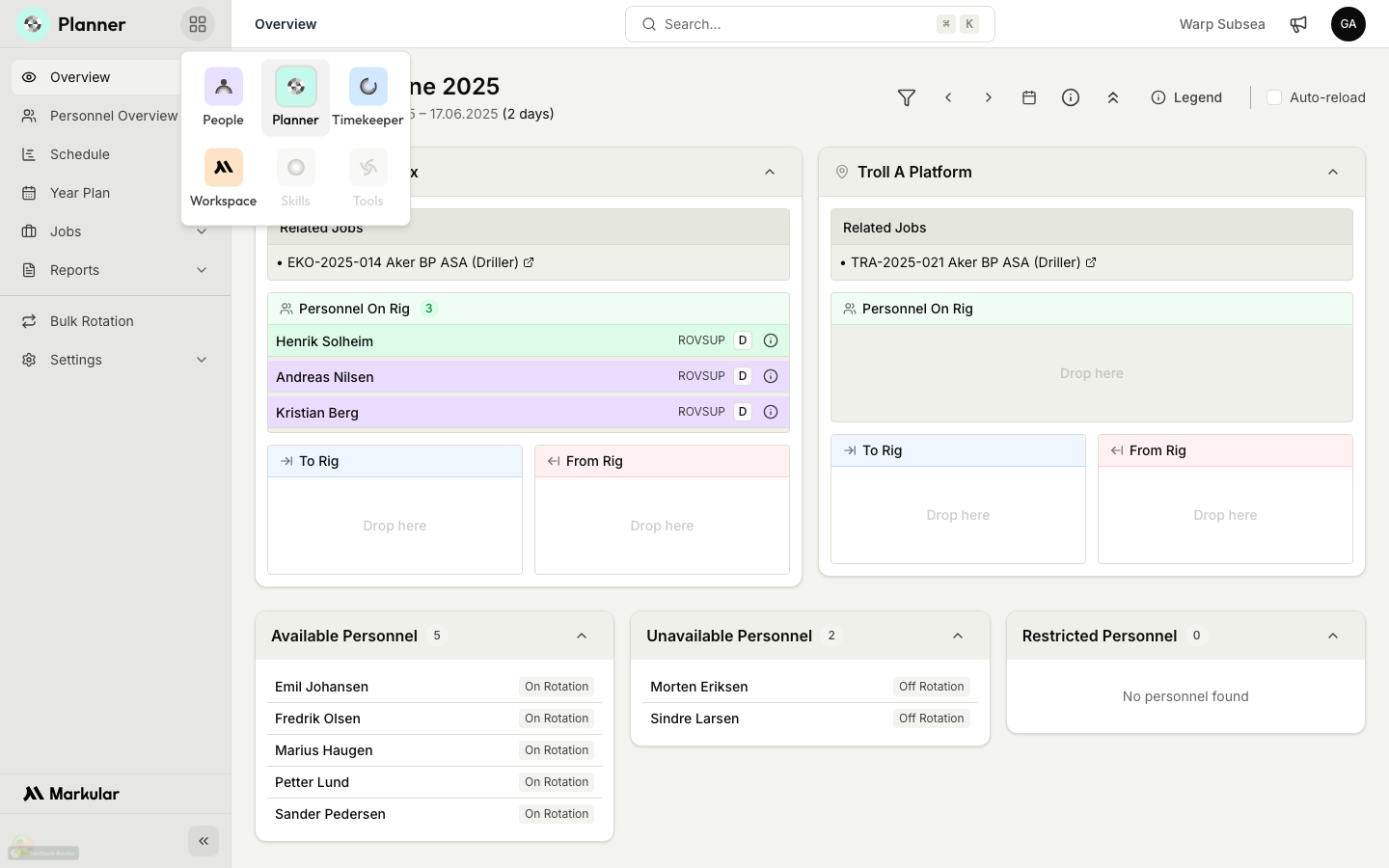
- Use the module switcher to move between People, Planner, Timekeeper, and Workspace.
- Open the module you need; Markular only shows the modules your role can use.
- Use the search or filters at the top of a list to narrow it to what you are looking for.
Notifications and product updates
The bell in the top bar is your Markular notification inbox. It shows work-related updates that may need your attention across modules, such as a new Task or an approaching deadline. The number on the bell counts unread platform notifications only.
Open your avatar menu and select Product updates to read release notes and announcements from Markular. Product updates are kept separate because they are news, not assigned work. Module-specific legacy alerts, including existing Timekeeper alerts, remain in their module and do not contribute to the global bell count.
Related articles
Was this article helpful?