Export the personnel list
Take the list you are looking at in the directory and save it as a file to share or work with elsewhere.
Before you start
- You need the View personnel permission. See the People permissions reference.
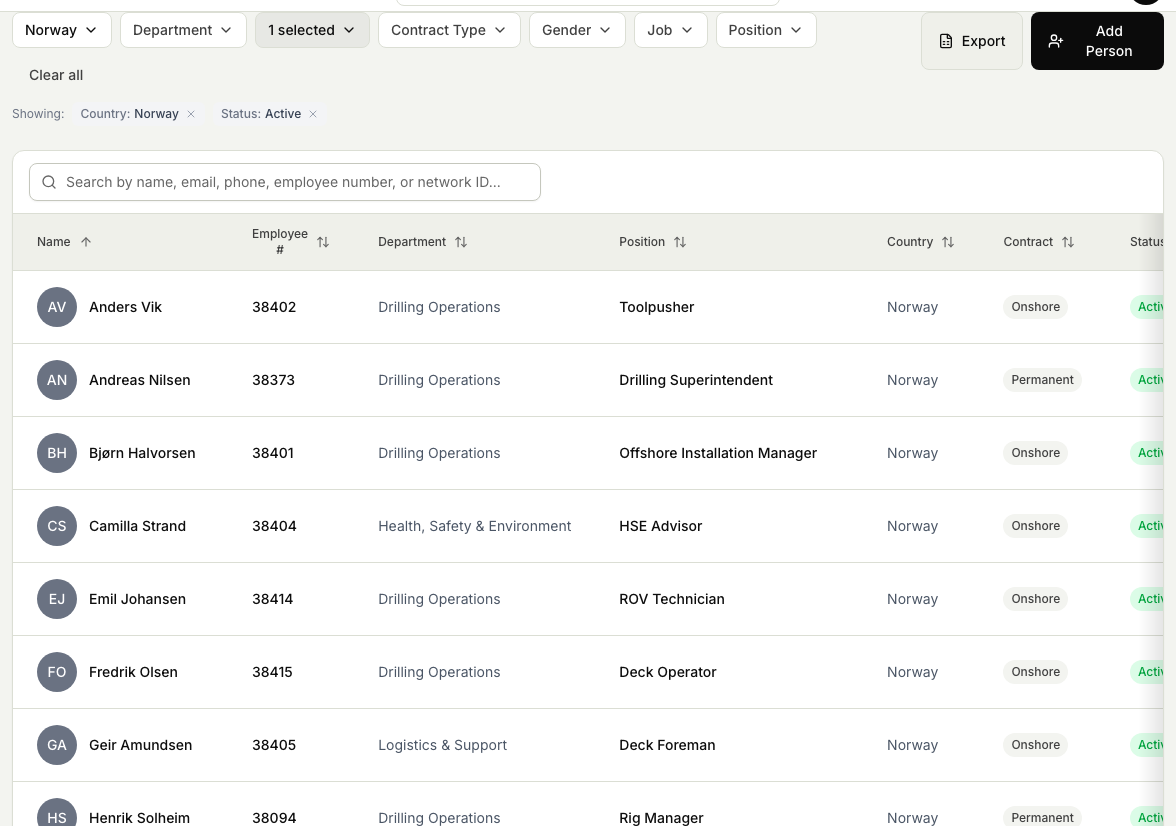
- The export follows the list you have on screen. Set your filters first so you export exactly the people you want. See Find a person in the directory.
Steps
- Open the People module, then Directory.
- Narrow the list with search and filters until it shows the people you want to export.
- Select Export.
- Save the file when your browser offers it. The file holds the people currently in the list, so anything you filtered out is left off.
- Open the file in a spreadsheet to sort, share, or work with the list.
Related articles
Was this article helpful?