Manage shifts and rotations
Shifts and rotations describe how your crew works over time. A shift is the daily working pattern, such as a day shift or a night shift. A rotation is the on and off cycle, such as three weeks on and three weeks off. Set these up first, and the rest of Planner has real working patterns to schedule against.
What shifts and rotations are
- A shift is a daily working pattern. It says when a working day starts and ends, for example a day shift or a night shift.
- A rotation is an on and off cycle. It says how long a person works and how long they are off, for example three weeks on followed by three weeks off.
Together they let the schedule know both the hours of a working day and the longer rhythm of time on and time off.
You need the Manage Planner settings permission to add or change shifts and rotations. See Planner permissions for who has it.
Before you start
Open Planner, then go to Settings. You will find separate pages for Shifts and for Rotations.
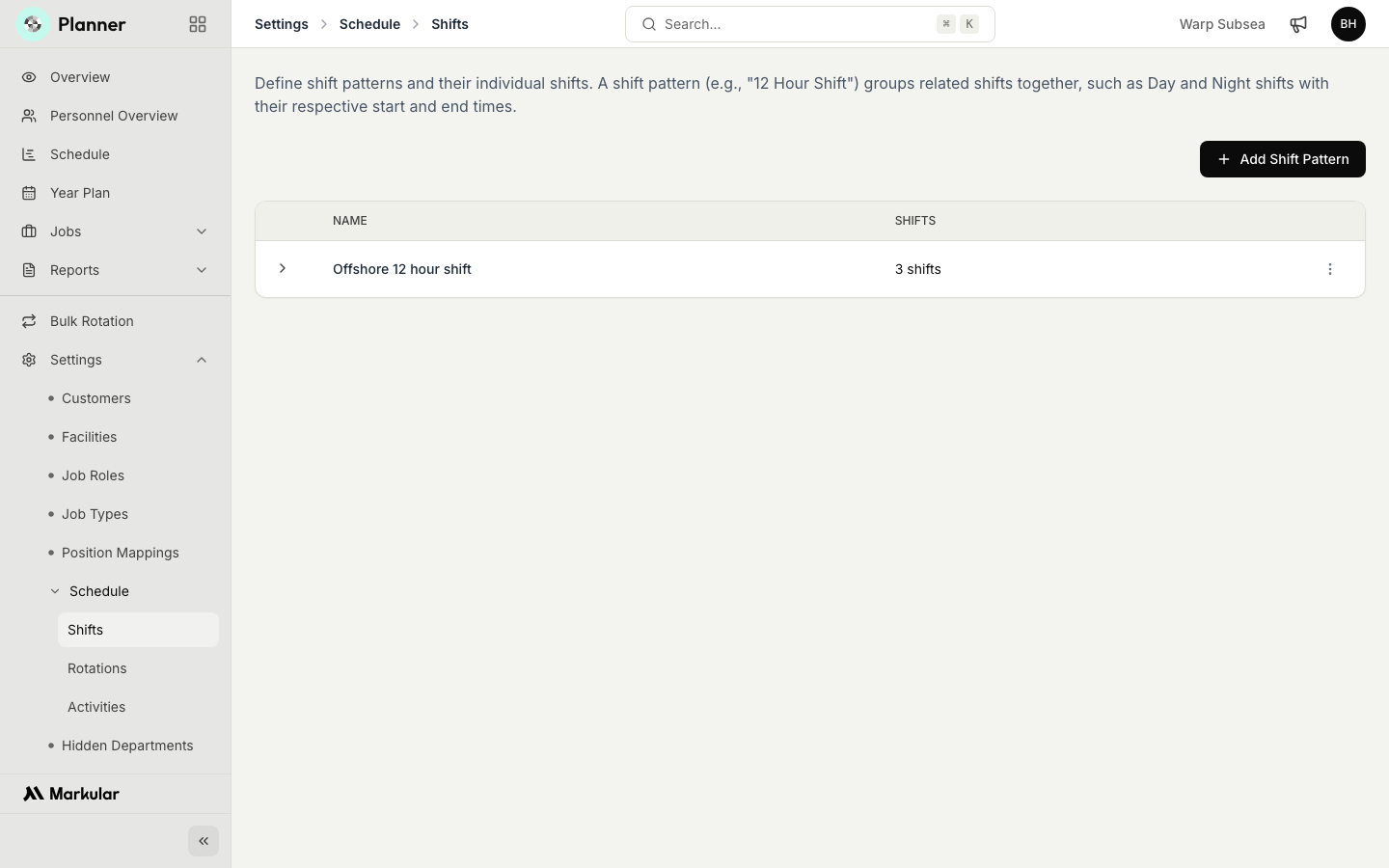
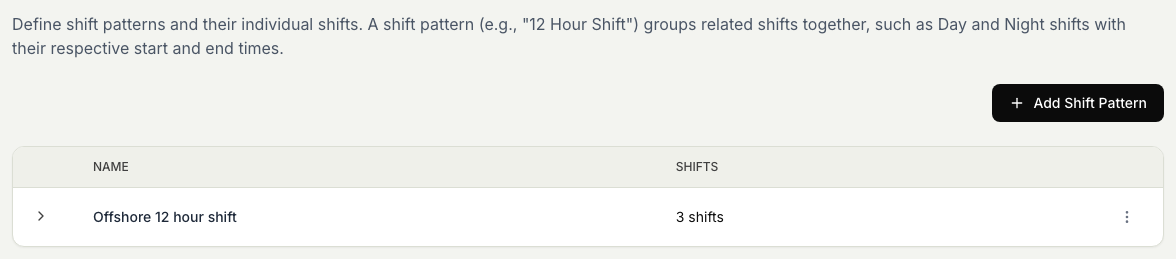
Add a shift
- In Settings, open Shifts.
- Select Add Shift Pattern.
- Enter a name for the pattern, such as "12 Hour Shift".
- Add the individual shifts it groups (for example a Day shift and a Night shift), each with its own name, its start and end times, and whether it is a night shift.
- Save.
The new shift pattern appears in the list with a count of its shifts, and is available when you build a rotation.
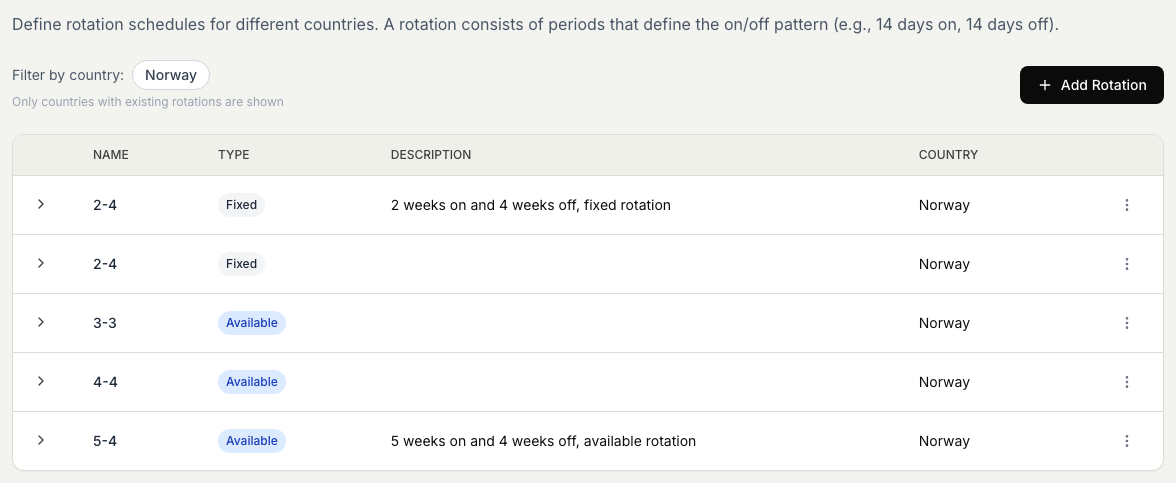
Add a rotation
- In Settings, open Rotations.
- Select Add Rotation.
- Enter a name for the rotation, such as 3 on 3 off.
- Set how many days are on and how many days are off.
- Save.
Edit or remove a shift or rotation
To change a shift or rotation later, select it in the list and edit it. To remove one, use the delete action on its row. Removing a pattern does not affect crew who are already planned, but it will no longer be available for new planning.
What happens next
With shifts and rotations in place, you can apply them to crew when you build the plan. The rotation sets the on and off cycle, and the shift sets the working hours within each on day.