Timekeeper reports
Timekeeper gives managers and HR a set of reports that summarise the hours, bonuses, and costs for the people they manage. Each report can be exported to Excel.
Who these reports are for
These are manager and HR reports. The data is scoped to the people you manage, meaning the people who report to you in the org chart. If nobody reports to you, the reports will be empty even when you can open them.
To read your own hours, use your own timesheet, not these reports. The reports never show a manager their personal figures; they show the figures for the people below them.
The reports
Each report is exportable to Excel so you can share it or work with it outside Markular.
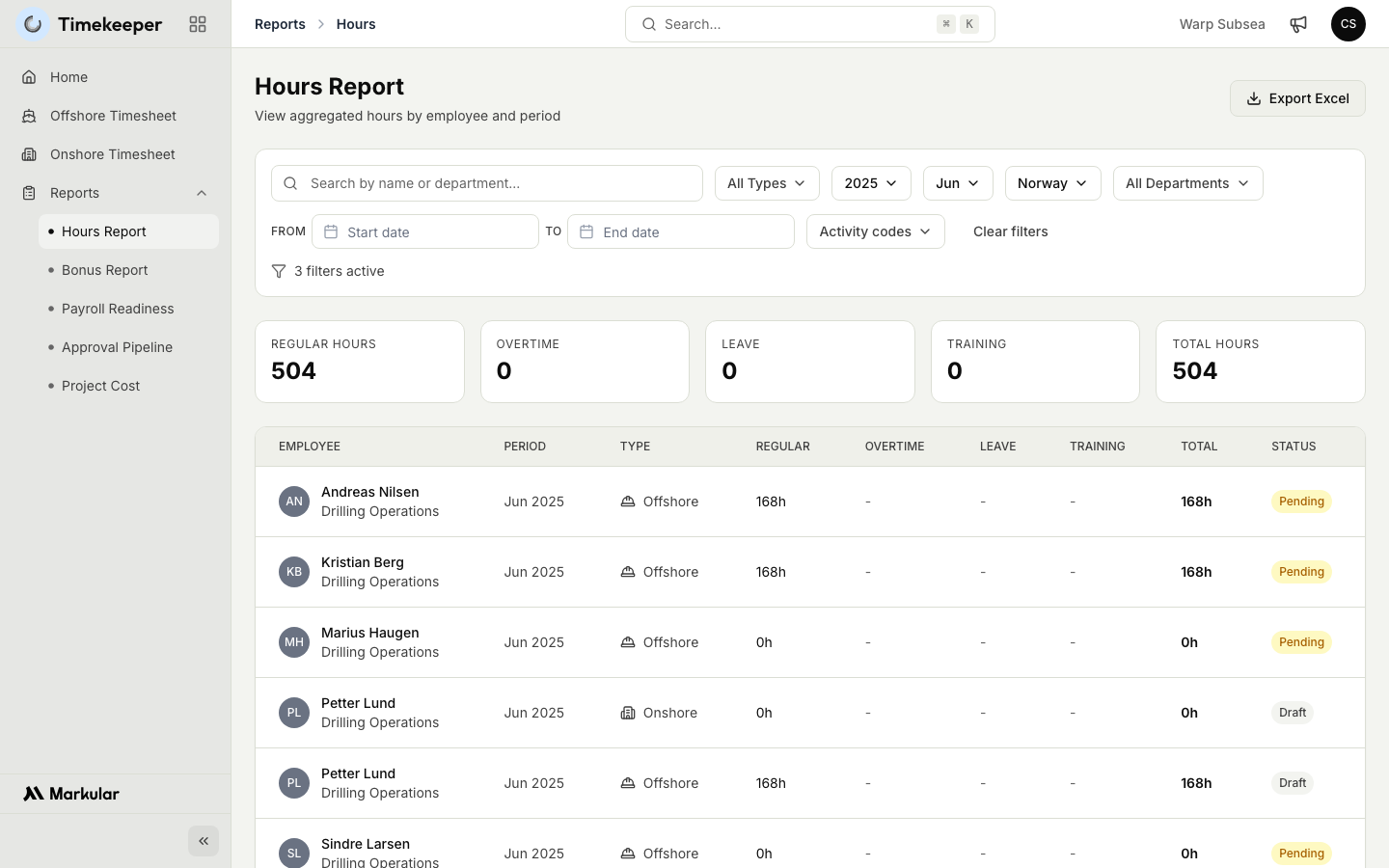
- Hours. The registered hours for the people you manage over a period, so you can see totals and check for gaps before approval.
- Bonus. The bonuses and allowances earned by the people you manage, useful for checking that the right extra pay has been calculated.
- Payroll readiness. How close a period is to being ready for payroll, so you can see what is approved, what is still open, and what needs attention before sign-off.
- Approval pipeline. Where each timesheet sits in the review process, so you can find what is still waiting on you or on payroll.
- Project cost. The cost of the work done by the people you manage broken down by project, so you can see where time and money are going.
Steps
- Open the Timekeeper module, then Reports.
- Choose the report you want to run.
- Set the period and any filters the report offers, then run it.
- Review the results. Remember the figures cover the people you manage, not the whole organisation.
- Choose Export Excel if you want to save or share the report.
Related articles
Was this article helpful?