Manage activity codes
Keep the list of work types up to date so people can record their hours correctly.
Before you start
- You need the Manage Timekeeper settings permission.
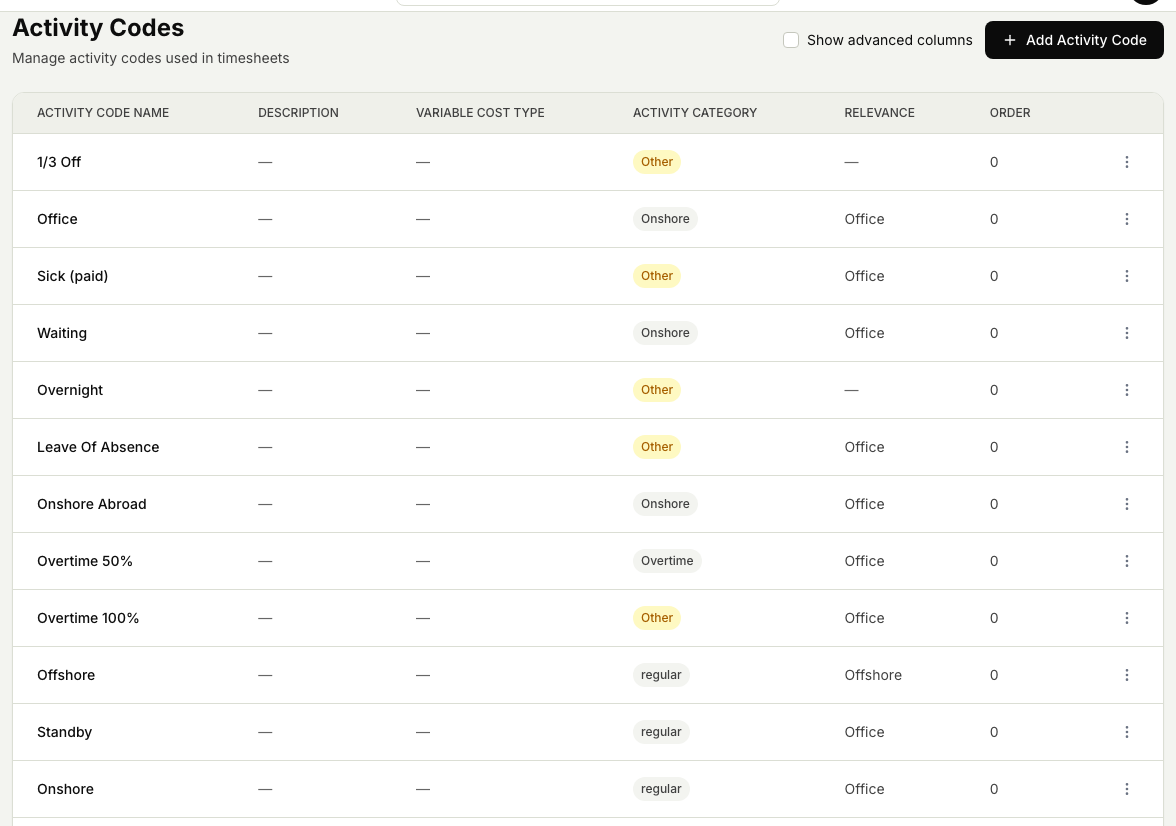
- Activity codes are the list of work types a person picks from when they add hours to a timesheet. See How timesheet entries work.
Steps
- Open the Timekeeper module, then Settings, then Activity codes.
- To add a code, select Add activity code, enter a short name people will recognise, and save. It becomes available the next time someone adds hours.
- To change a code, select it, update the details, and save.
- To remove a code, select it and choose Delete. Hours already recorded against it are kept; the code just stops appearing as a choice for new entries.
Related articles
Was this article helpful?