Manage work schedules
Set up the standard daily working hours that timesheets draw on.
Before you start
- You need the Manage Timekeeper settings permission.
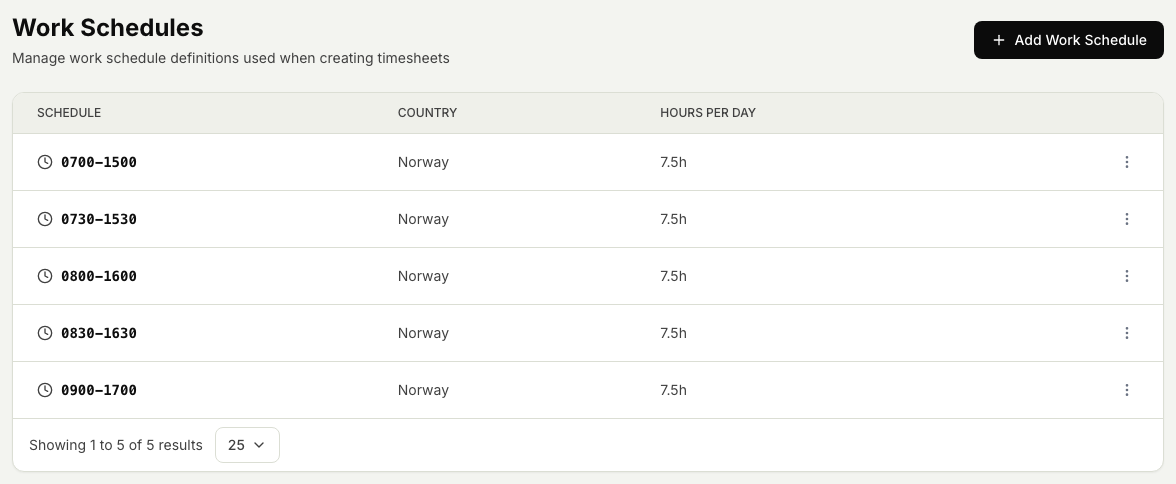
- A work schedule is a standard set of daily working hours (a start time, an end time, and the hours per day), held per country. Timesheets use these as the standard workday when hours are entered.
Steps
- Open the Timekeeper module, then Settings, then Work schedules.
- To add a schedule, select Add work schedule, set the country, the start and end times, and the hours per day, then save.
- To change a schedule, open it, update its times or hours, and save.
- To remove a schedule, open it and choose Delete.
Related articles
Was this article helpful?